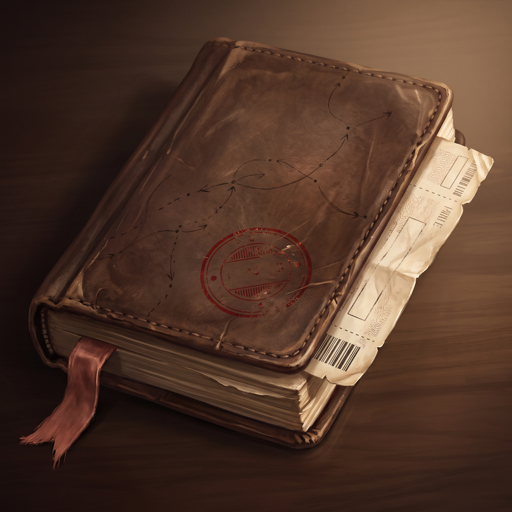
Travel notebook · iPhone
Your trip fits in a notebook.
One page per day, one paper per stop: the train, the visit, lunch, the hotel. You plan at home, follow the day on the road in local time, and your tickets stay readable in airplane mode.
Freeno adsno accountall on your iPhone
iPhone · iOS 17 or later · English and French


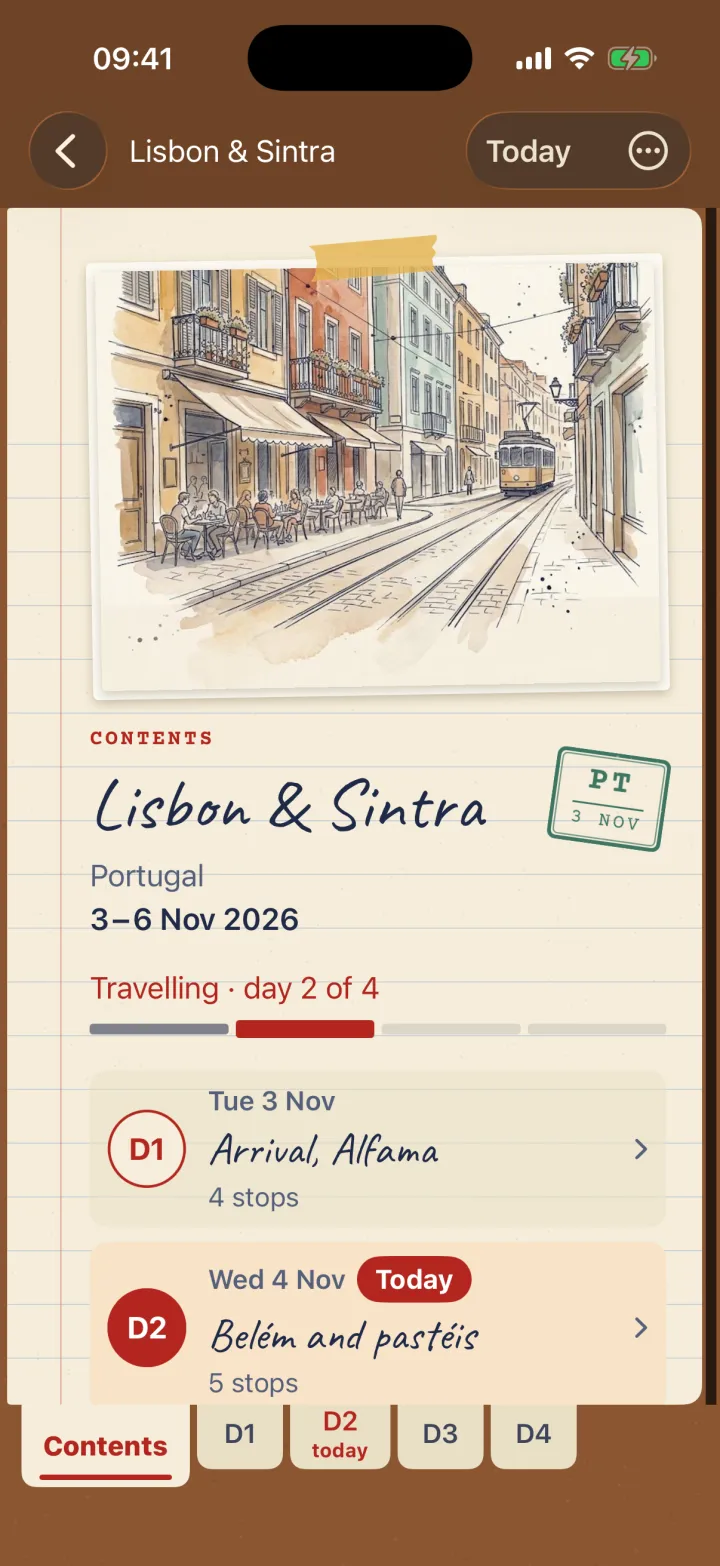
Contents
This notebook reads in the order of the trip.

A month before
Fill it in like a real notebook.
A title, a destination, the first day, the number of days: the notebook is ready, with its contents page and one page per day. All that's left is choosing the cover.
Cover
Seven painted covers and five plain leathers in the app. Site demo: nothing is saved.
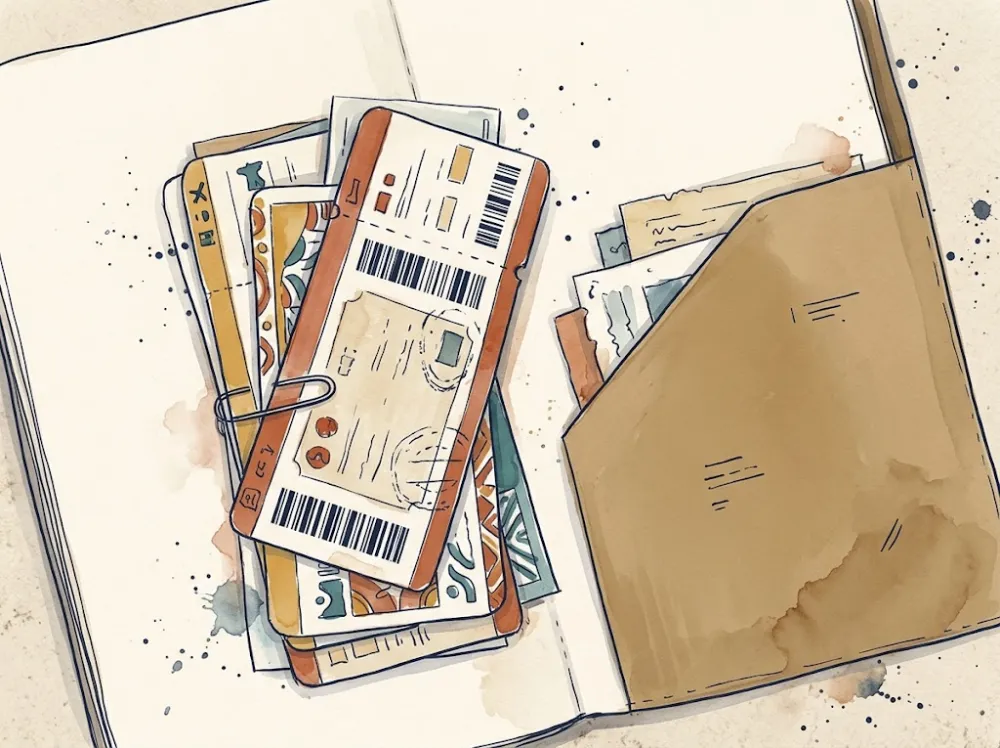
Every stop has its paper.
The “Add a stop” button sits at the top of every page. You pick the type, it gives the paper its shape: one glance and you can read the day.

The stub ticket
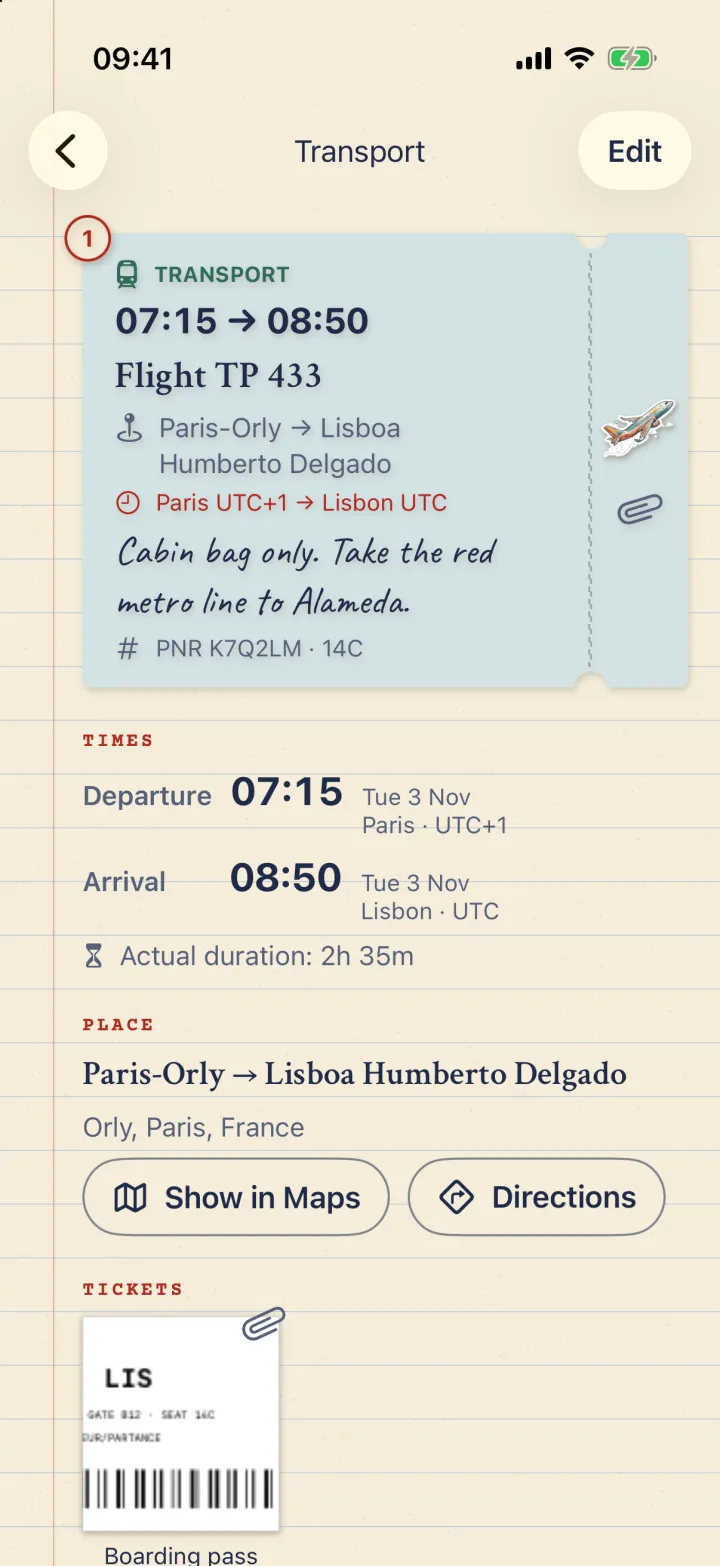
Transport
Train, flight, bus, boat: departure and arrival, each with its own place and local time.

The entry ticket
Visit
A museum, a monument, a garden: the place, the time slot, the website link, a note.

The bill
Meal
The table you booked, the terrace café, with the booking reference if you have one.

The luggage tag
Lodging
The hotel, the flat, the mountain hut: the address, and the key box code in the note.
The taped note
Free time
No set time, whenever you like. The moment you get lost in a city on purpose.
The right vehicle, with nothing to set.
The notebook reads what you write and sticks on the right badge. With no clue, it's the train.
- Flight TP 433
- Train to Sintra
 Road trip by car
 Ferry to Capri
Plans change? The notebook follows.
- Drag a stop to move it, or tap “Sort by time”.
- Send it to another day: it keeps its local time.
- Attach the ticket to the stop, as a PDF or an image (screenshot, QR code). The file is copied into the notebook.
And you can hear it.
Three quiet sounds, those of a real notebook. You can turn them off in Settings, haptics too, and the iPhone's silent switch mutes them.
The day before
Pack the suitcase.
Start from one of the five templates, add what's missing, save your list for the next trip. Try it: tick what's already in.
The suitcase
City weekend
Packed3/12 — 3 of 12 packed
Website demo: nothing is saved.
Departure day
8 PM in Lisbon means 8 PM in Lisbon.
Each stop is written in the local time of its place, with its time zone. A flight keeps both local times: what's printed on your ticket is what the notebook shows.
Transport
Flight Paris → New York
- Paris
- 10:00Paris time
- New York
- 12:25New York time
Actual duration: 8 h 25
- A stop's day is the local day of the place: an overnight flight does land on “D+1”.
- Daylight saving, back to winter time, the international date line: already counted.
- The time zone comes from the place search; without a network, you pick it by hand.
On the road
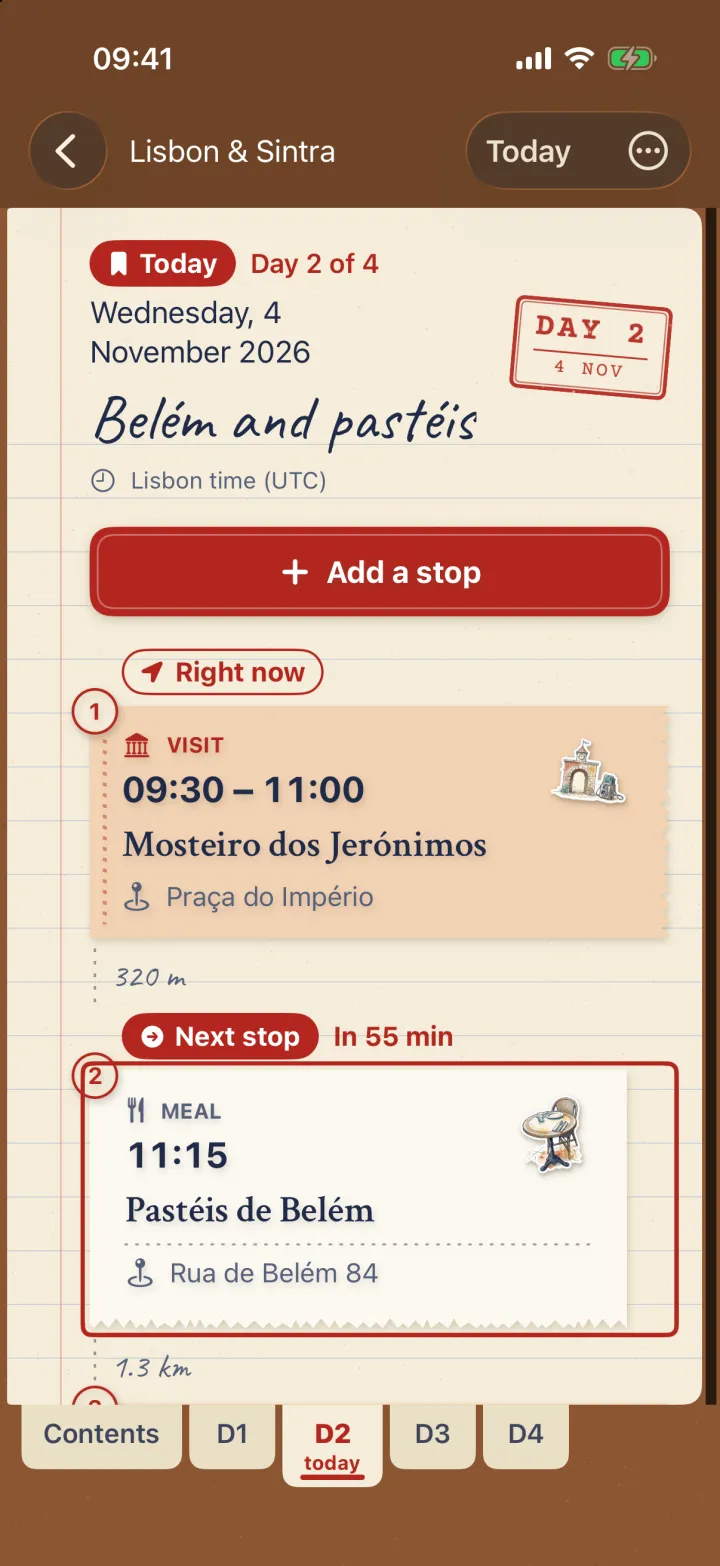
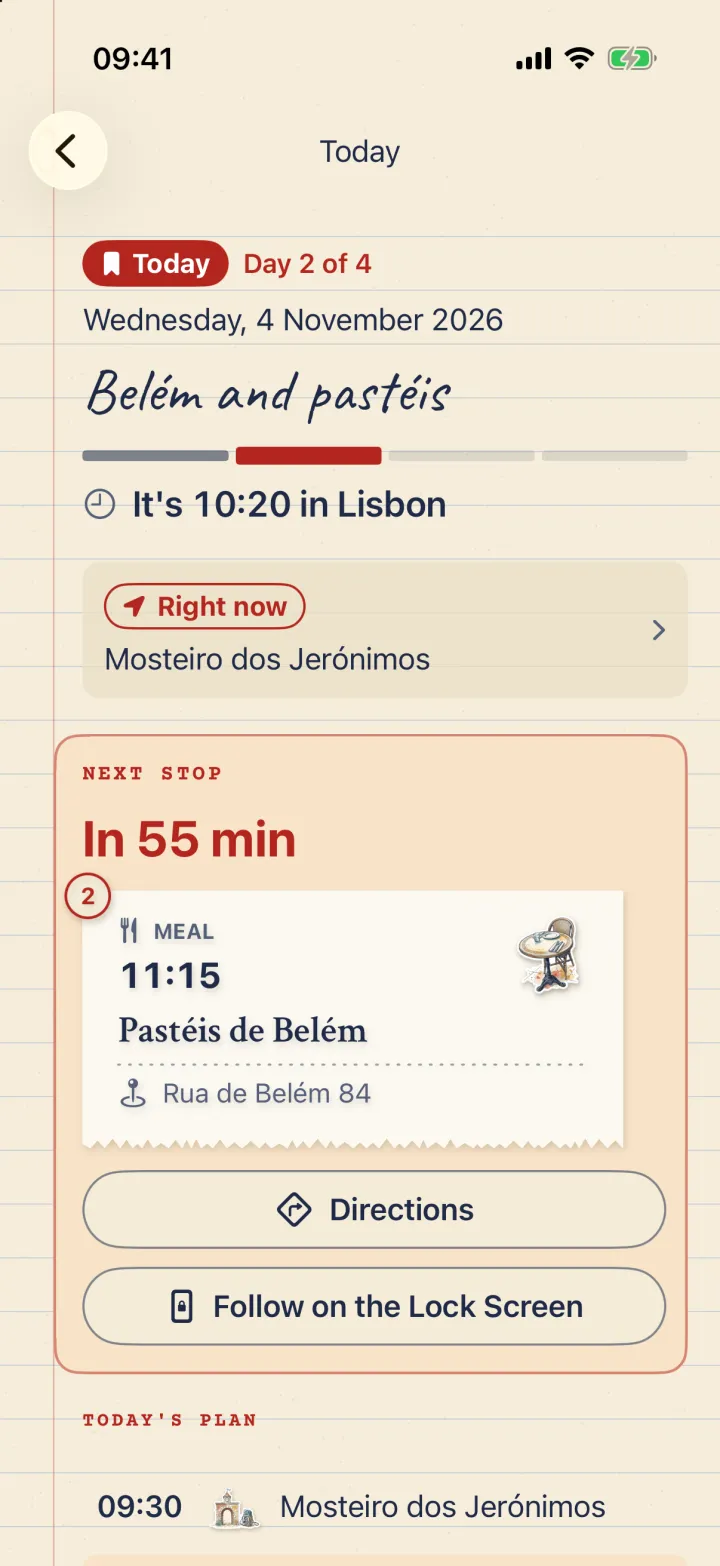
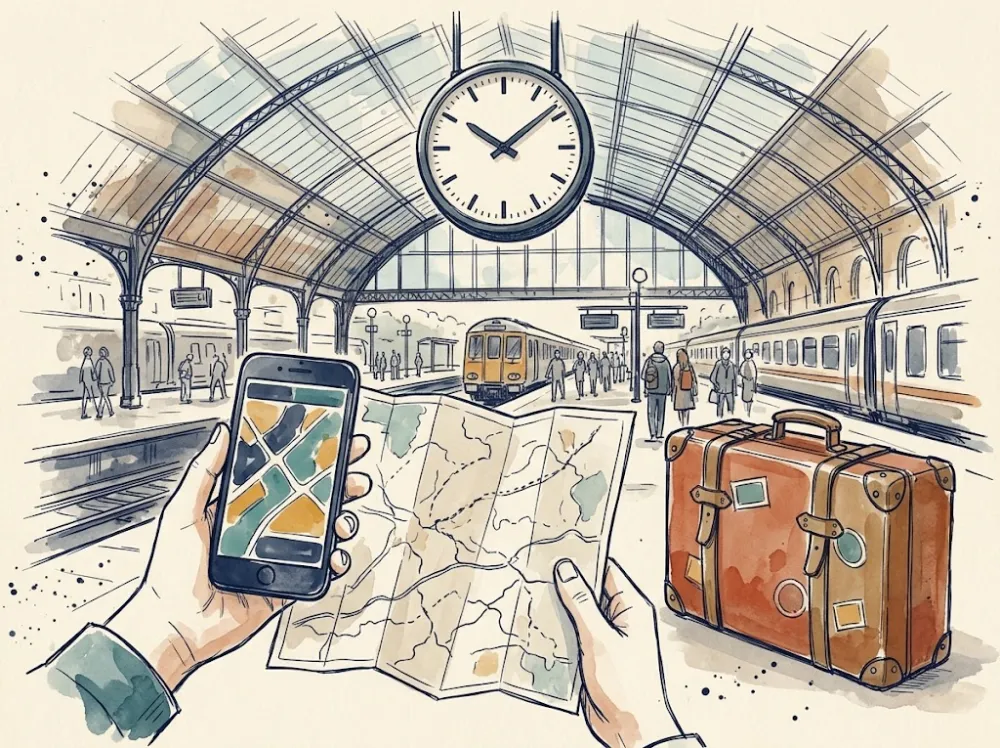
The next stop first, in big letters.
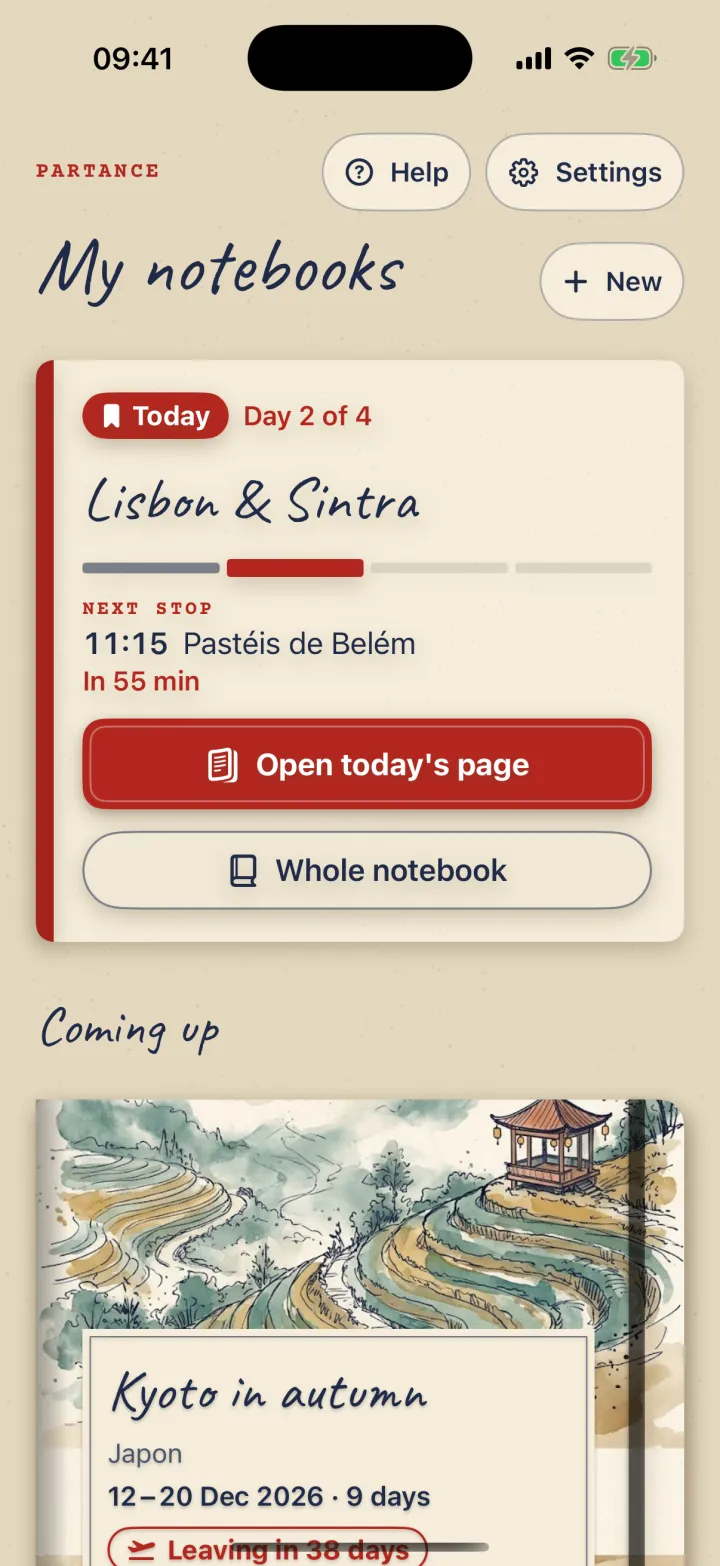
During the trip, the “Today” card waits at the top of the shelf. It opens the day's page: local time, countdown, distance, ticket, directions, then the day's programme.
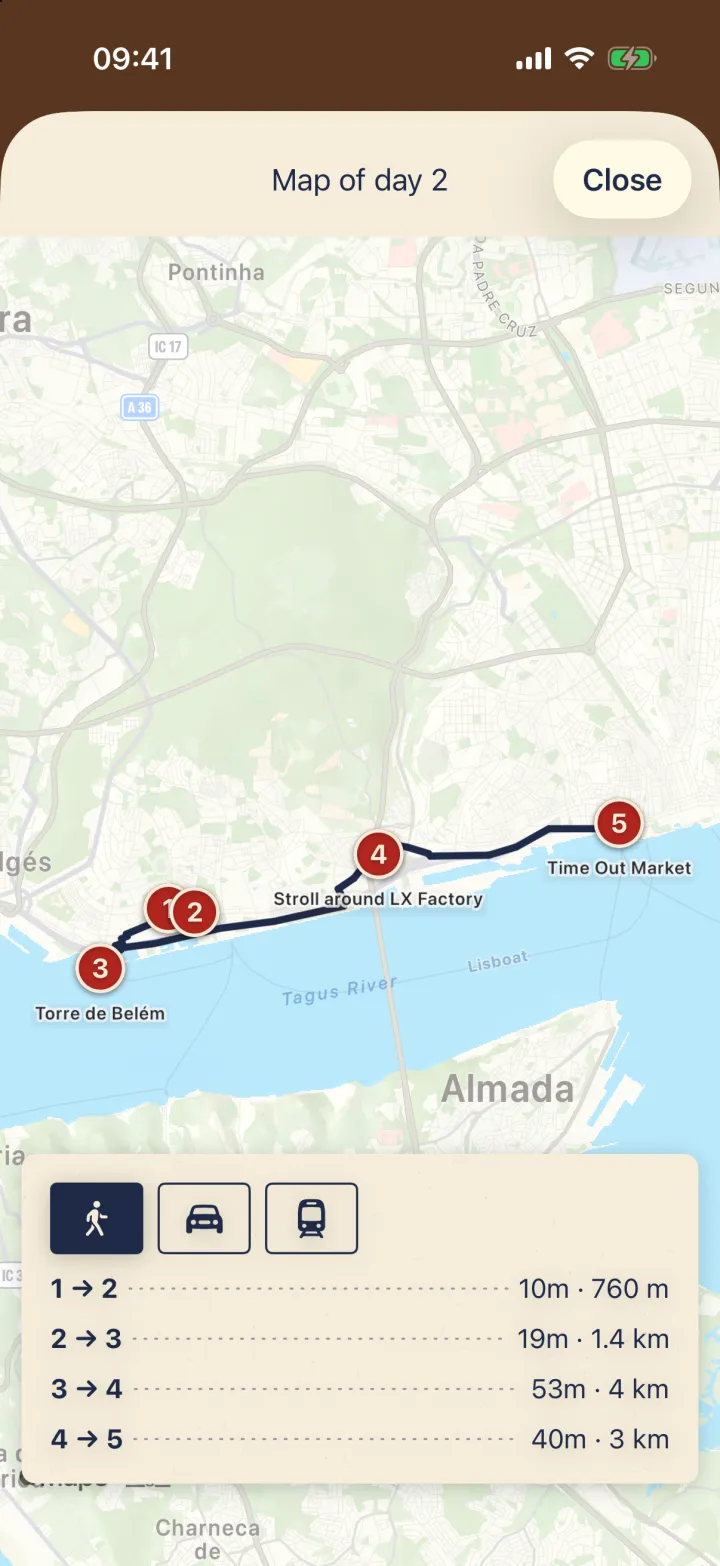
- Day map
- Numbered stops and the route between them, on foot or by car. By public transport or offline, a dotted line as the crow flies.
- Widget
- The next stop on the Home Screen, small or medium, and on the Lock Screen.
- Live Activity
- The followed stop on the Lock Screen and in the Dynamic Island, started from “Today”.
- Siri
- “My next stop”: Siri answers without opening the app. “Show my ticket” opens the ticket.
- Airplane mode
- Stops, notes and tickets stay readable. Only map backgrounds, place search and directions need a network.

Back home
The trip closes on a memory.
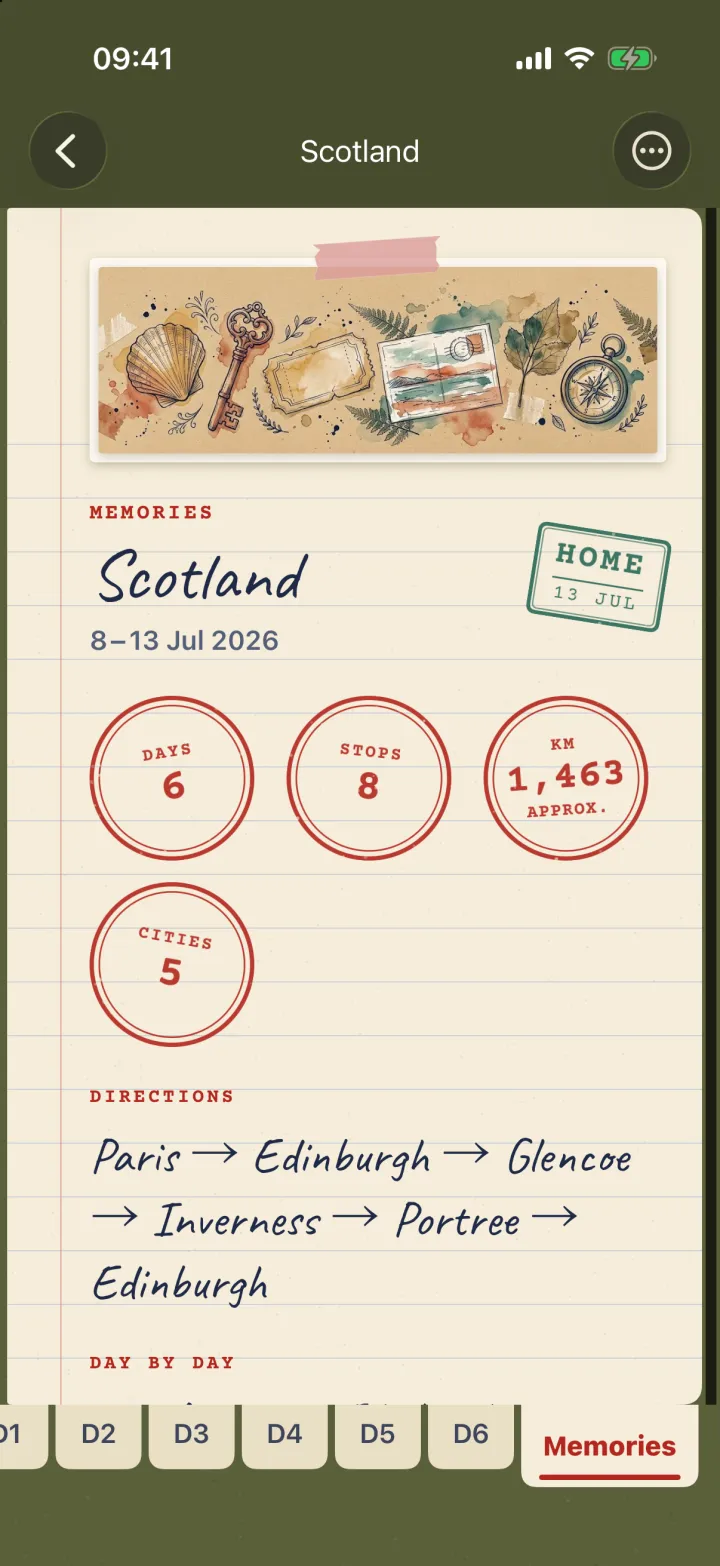
After the last day, a “Memories” page joins the notebook: days, stops, approximate kilometres, cities, photos, the route and a day-by-day summary.

Photos on the right day
When you ask, each photo taken during the trip joins the page of the day it was taken, as a strip of polaroids.
The card to share
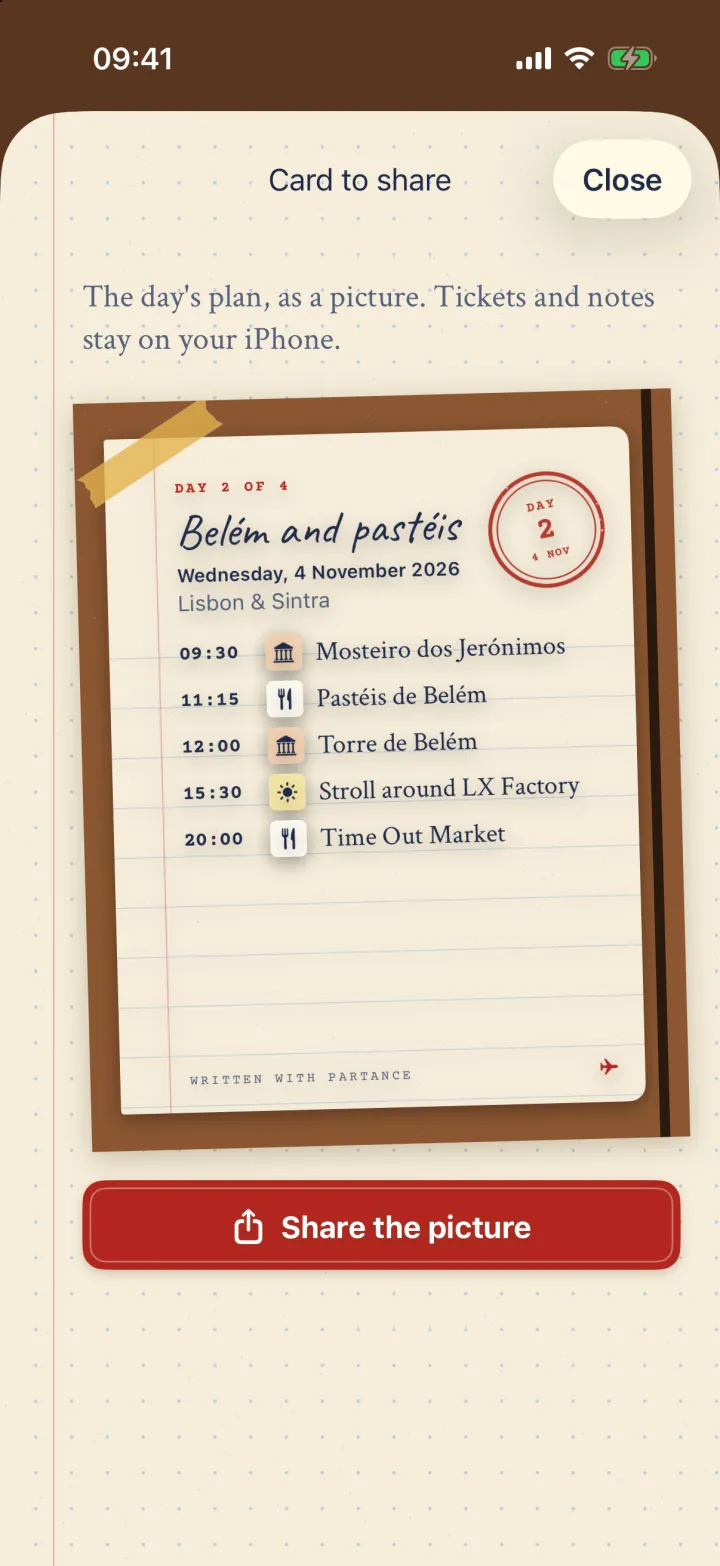
An image of the trip or of a single day, in 4:5, for a messaging app. Tickets and notes stay on your iPhone.
The notebook as a PDF
A cover, one page per day, the Memories page, in A5, photos optional: to print, to keep, to send.
Last page
What leaves your iPhone: almost nothing.
No account, no LaCobble server, no analytics, no iCloud, no Game Center. Here is, honestly, everything that touches the network or your data.
- Notebooks, stops, tickets
- Stored on your iPhone, readable in airplane mode.
- Map, places, directions
- Map backgrounds, place search and route calculation go through Apple Maps.
- Location
- Only on “Today”, while using the app, for the distance to the next stop.
- Photos
- Read only when you ask to sort them. They never leave your iPhone.
- Reminders
- Scheduled on the iPhone, if turned on. No notification server.
- PDF and share card
- Created on the iPhone. They only leave if you send them yourself.



Your next trip starts here.
Open a notebook, pick the first day and the number of days. The rest is written stop by stop.
Coming soon to the App Store